Split everyday expenses
Record who paid for a trip, meal, or household expense. Divide the charge evenly or enter each person’s share.
 Chad Kennow
Technology · Faith · Family · Useful Things
Android & web · Invite-only
Track what you owe, what people owe you, and what’s already been paid.
MyTab was built for the tabs that slip through group texts, receipts, and spreadsheets. Keep household and trip expenses in Personal, and put customer tabs, freelance work, or club dues in a separate Business workspace.
The download always serves the latest signed Android release. Sign in with your invited MyTab account to download it.
Record who paid for a trip, meal, or household expense. Divide the charge evenly or enter each person’s share.
Add common items in one tap. Settle and close a tab, then review shift totals by payment method.
Share a tab with a linked MyTab user in either payment direction, or create a statement or receipt link for just that tab.
Set a due date, list repayment links and QR codes, and let the debtor report payment for the tab owner to confirm.
Screenshots from the app using example accounts and transactions. Select an image to see it full size.
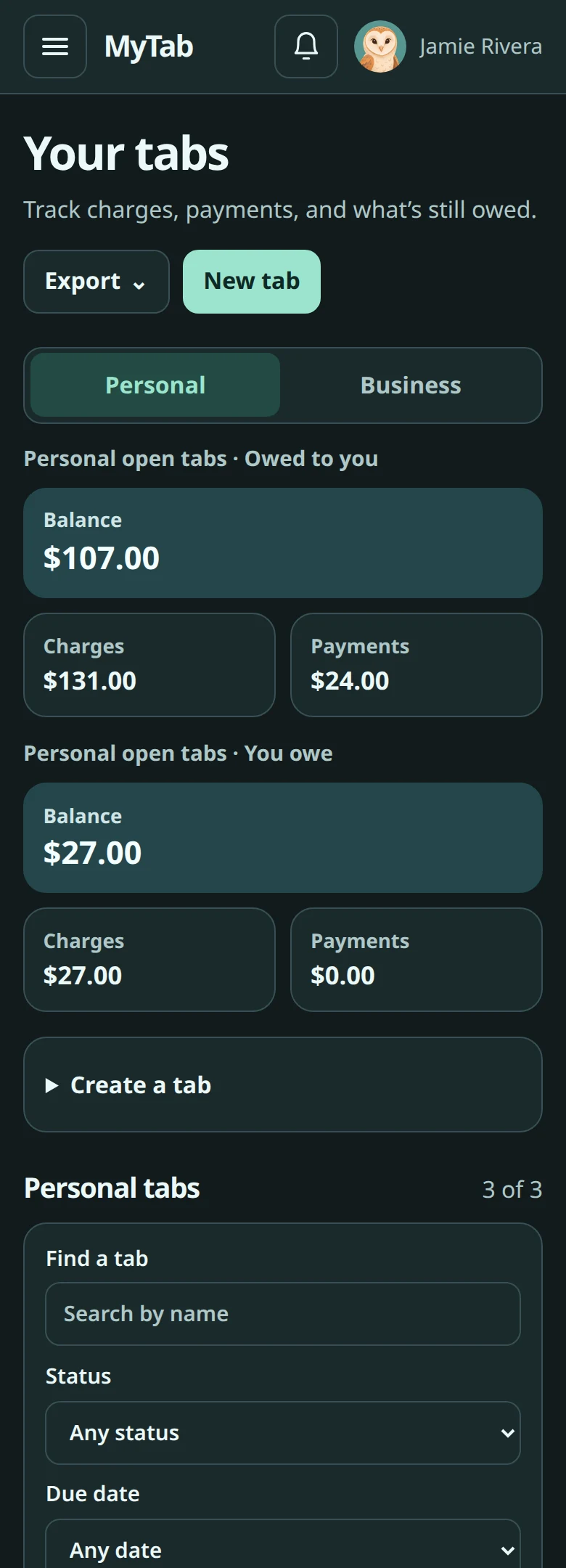
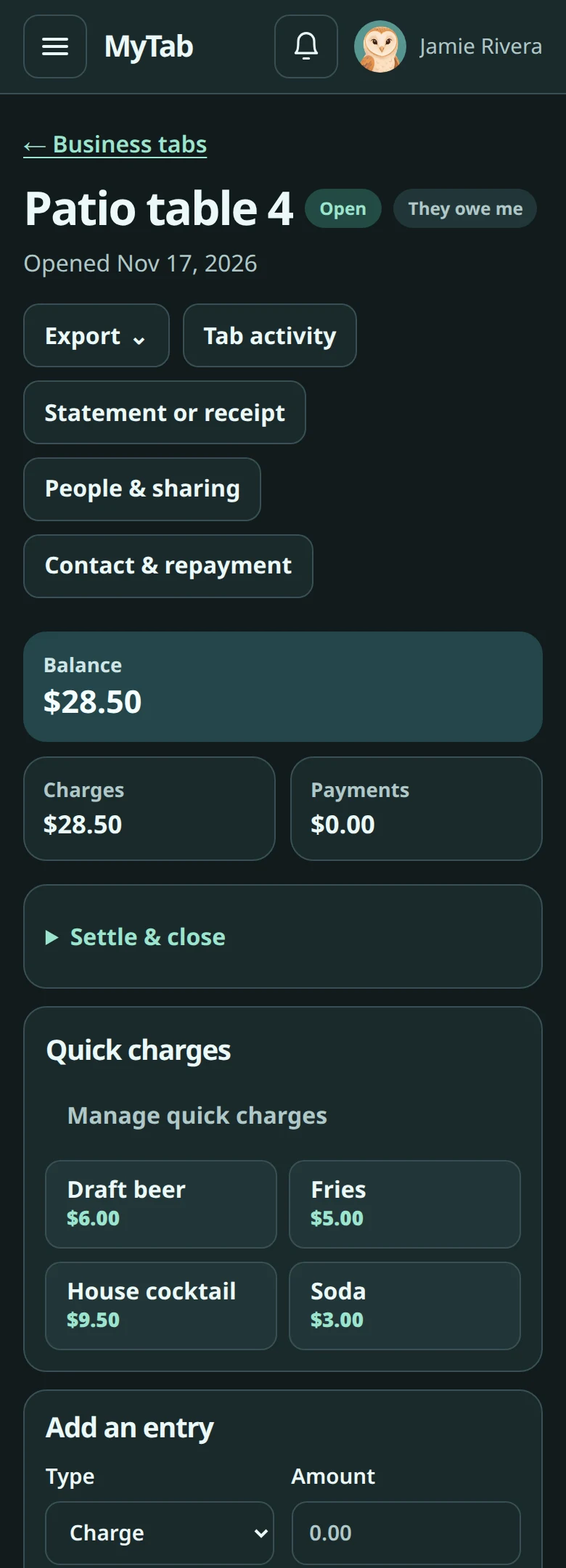
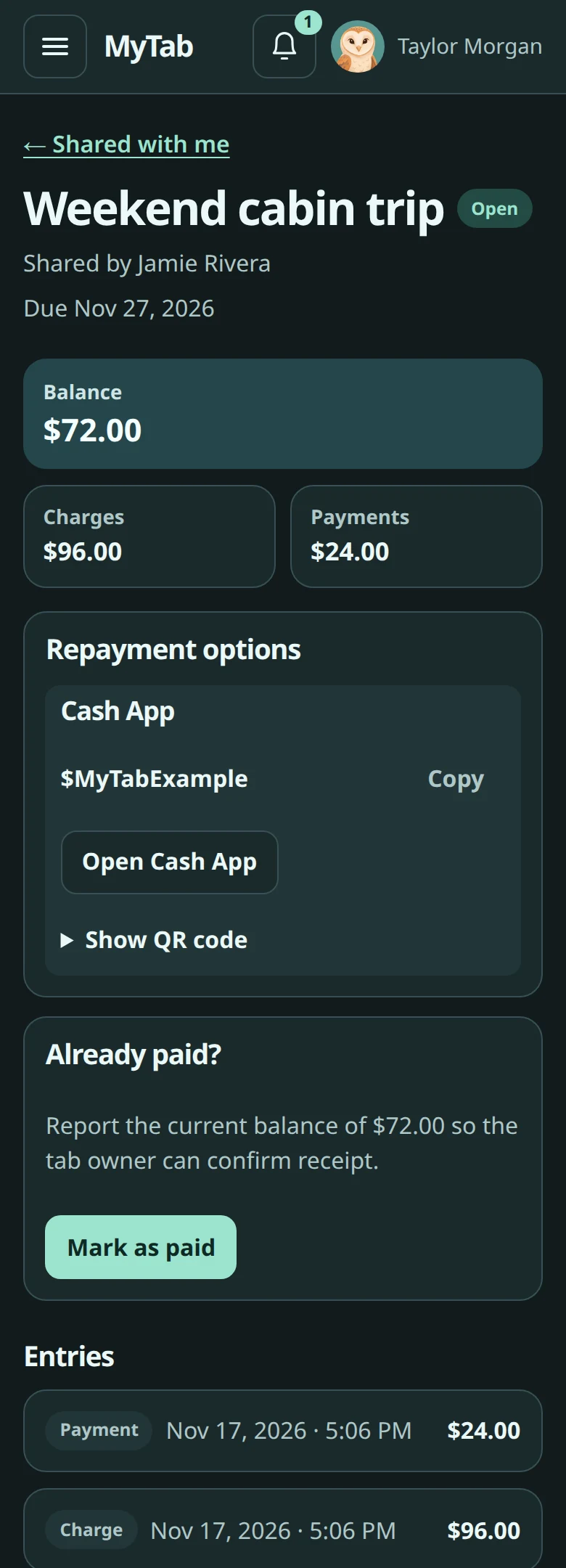
MyTab is for people Chad invites to use it, including family, friends, and small groups or businesses that need a simple ledger. Ask Chad for an invitation. Use the same username and password on the website and Android.
Chad built and tested MyTab with help from ChatGPT and Codex. The site runs on a self-hosted PHP and MariaDB backend. The native Android app loads the same web experience and adds Android file saving, photo selection, notifications, and update checks.
Use Personal for expenses you split or owe, like groceries or a weekend trip. Use Business for customer tabs and cash-out workflows. Business includes quick charges, Settle & close, and a payment-method shift summary.
In a Personal tab, add a charge and choose the expense split option. Enter who paid and the participants, then choose an even or custom split. Add a due date when creating a tab, or set it afterward from the tab’s details.
Save a person under People with their exact MyTab username. Select them on a tab and choose to share it. They can see the balance and entries under Shared with me. The person who owes the money reports payment, and the person receiving it confirms receipt. The rest of your ledger, contact photos, private notes, and split details stay private. A statement or receipt link is separate and grants access only to the snapshot it was created for. You can revoke either kind of access.
Set repayment preferences in your profile. The linked debtor can follow a payment link, scan a supported QR code, or use the instructions you give them. Payments happen through the chosen provider or agreed method. In MyTab, the person who pays marks it paid and the person receiving the payment confirms receipt to record it in the ledger.
Open Notifications → Android alerts and turn them on. Android will show an ongoing notification while MyTab listens for alerts. For releases after 1.4, MyTab checks when you open it. You can also check from Settings. Android asks you to confirm installation and may ask you to allow MyTab to install updates the first time.
Use Export on a workspace or a tab to save CSV, Excel, or PDF. On Android, pick a save location, then use Open file after the export finishes. Your phone may need a compatible app to open the file.
MyTab needs an internet connection to load and sync the ledger. The website works in a browser, including on iPhone. The downloadable app is for Android 8 and newer.
Tell me whether it happened on Android or the website, what you tapped, and what you expected to happen. For Android, add the MyTab version if you know it. Leave out passwords, payment handles, account numbers, and other people’s identifying details.
Tell me what went wrong, what could work better, or what you’d like MyTab to do. Feedback goes to my private inbox.
Thanks. Your feedback was sent to Chad’s private inbox.
Your feedback could not be saved. Check your form and try again.
Too many submissions. Wait a few minutes before trying again.